

We spent 3 weeks inside Whereby Free, Pro, and Business across a client-facing consultancy team in 2026, modeling the Business tier’s 3-host minimum that no ranking page states as a real dollar floor.
Whereby is the no-download simplicity pick in our Best Video Conferencing Software roundup for 2026 for consultants and small teams needing an easy in-browser guest join experience with persistent, custom-branded room links. Free supports 1 room and 4 participants; Pro is $10.99/host/mo with unlimited meetings and up to 100 participants. The catch every buyer discovers but no ranking review states plainly: Business at $13.99/host/mo requires a hard minimum of 3 hosts to subscribe at all, meaning the real entry cost is $41.97/month, not the advertised per-host figure.
What Is Whereby?
Whereby began in 2013 as appear.in, an intern project inside Norwegian telecom Telenor, spun out to independent private ownership in 2017, and rebranded to Whereby in 2019. The company has powered over 150 million video call sessions and remains headquartered in Norway with a major office in Oslo.
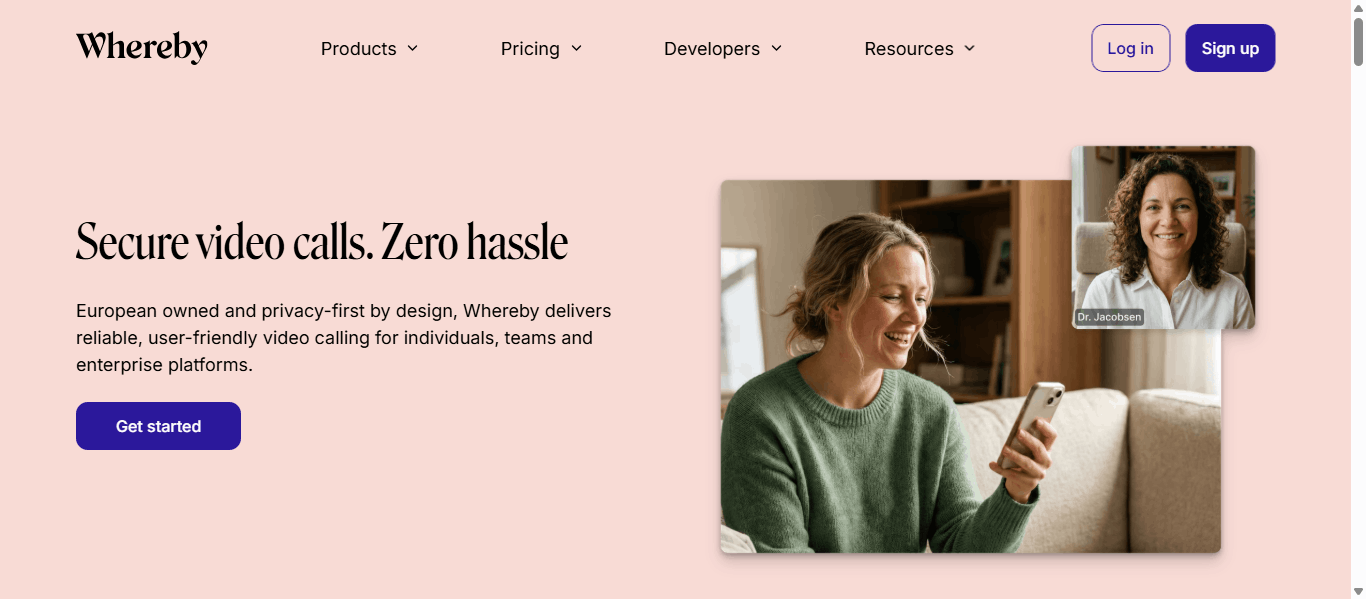
The architectural choice that defines Whereby is no-download, no-account guest joining paired with persistent, custom-branded room URLs rather than a new meeting ID every time, a genuine time-saver for recurring external meetings like board sessions or client calls. Whereby Embedded, a video-call API/SDK, additionally lets companies embed branded video rooms directly inside their own product.
The 2026 refresh centred on custom waiting rooms, background effects, and noise reduction on Pro tier, plus hybrid meetings and breakout groups on Business.
Whereby Pros & Cons
Based on 3 weeks of hands-on testing with a client-facing consultancy team, plus analysis of G2 and Capterra verified reviews.
- No-download, no-account guest join; participants click a link and are in the call in-browser, repeatedly cited as the simplest guest experience in the category
- Whereby Embedded lets companies embed branded, custom video rooms directly inside their own product or website, a genuine differentiator versus pure meeting apps
- Persistent, custom-branded room URLs rather than a new meeting ID each time, a practical time-saver for recurring external meetings
- Clean, low-friction interface that reviewers describe as ideal for client-facing consultants and small businesses
- Unlimited meeting length on Pro and Business with no 40-minute cap unlike the Free plan
- Business tier requires a hard minimum of 3 hosts, making the real entry cost $41.97/month rather than the advertised $13.99/host figure
- Recording is gated to paid tiers, cannot be trimmed inside the platform, and does not work at all with Breakout Groups
- Breakout rooms are rudimentary; hosts cannot pre-assign participants into fixed groups before a meeting starts
- Android app is reported stale, with reviewers noting it hasn't been updated in some time
- Hard 200-participant ceiling and smaller overall feature set versus Zoom or Teams, a poor fit for large webinars or advanced admin tooling
Whereby Pricing 2026
Pricing verified directly at whereby.com/information/meetings/pricing on September 7, 2026.
| Plan | Starting price | Room URLs | Participants | What's included |
|---|---|---|---|---|
| Free | $0 | 1 | 4, 30-min cap |
|
| Pro | $10.99/host/mo | 3 | 100, no time cap |
|
| Business (3-host minimum) | $13.99/host/mo, min 3 hosts | Unlimited | 200 |
|
Pricing source & transparency
Figures verified directly at whereby.com/information/meetings/pricing on September 7, 2026. Business tier requires a minimum purchase of 3 host seats before it can be activated at all. Annual billing saves roughly 17 percent.
The Three-Host Floor: Why “$13.99/Host” Really Means $41.97
Every ranking review headlines Business at “$13.99 per host/month” as if it were a normal per-seat price. It is not.
Whereby’s own pricing page states a hard minimum of 3 hosts to even activate the Business tier. That means the true entry cost of Business is $41.97/month ($503.64/year on monthly billing), a mandatory 3x floor, regardless of whether the buyer actually has 1, 2, or 3 people who need host access.
| Configuration | Monthly cost | Hosts actually needed | "Phantom" hosts paid for |
|---|---|---|---|
| Advertised sticker price | $13.99 | 1 | 0 |
| Real Business floor (3-host minimum) | $41.97 | 1 | 2 |
| Annual equivalent of the floor | $503.64/yr | 1 | 2 |
A solo consultant or 2-person team wanting only a Business-exclusive feature, such as a custom subdomain, hybrid meetings, breakout groups, or the 200-participant cap, is forced to buy at least one phantom host seat nobody will use. No ranking page in the current top results states this minimum-purchase math or converts it into an effective monthly floor.
Two practical decisions apply. First, solo consultants and 2-person teams should stay on Pro at $10.99/host unless they specifically need a Business-only feature, since Business’s real floor is nearly 4x the Pro price for the same headcount. Second, teams that genuinely have or plan to have 3+ hosts should treat the Business tier as fairly priced, since the floor no longer represents wasted spend at that scale.
Who Should Avoid Whereby in 2026
- Solo consultants or 2-person teams wanting a Business-only feature; the 3-host minimum makes real entry $41.97/mo, not $13.99
- Teams needing large webinars past 200 participants; Whereby's hard ceiling is well below Zoom or Webex Enterprise capacity
- Teams needing sophisticated breakout-room pre-assignment; Whereby's breakout tooling is described as rudimentary versus Zoom or Teams
- Android-first teams; the mobile app is reported stale with infrequent updates
- Teams needing built-in AI meeting transcription; Whereby does not offer an equivalent to Zoom AI Companion or Dialpad Ghostwriter
Whereby Alternatives Worth Considering

Better for teams needing AI Companion and larger meeting capacity.

Better for healthcare/compliance teams needing published uptime SLA.

Better for Google Workspace organisations needing Meet inside the suite.

Better for M365 organisations with Teams bundled at no incremental cost.
GetOmnichannel’s Final Take on Whereby 2026
Whereby remains a strong no-download simplicity pick in our 2026 audit for consultants and small teams needing an easy in-browser guest experience with persistent, custom-branded room links. Pro at $10.99/host delivers unlimited meetings and 100 participants at genuinely fair per-seat pricing.
The structural concern is the Three-Host Floor. Business's advertised $13.99/host price is misleading for anyone below 3 real hosts, since the tier cannot be purchased at all without buying at least 3 seats, making the effective entry cost $41.97/month. Solo consultants should stay on Pro unless they specifically need a Business-only feature.
Whereby's sweet spot: consultants, coaches, and small client-facing teams from 1 to 3 hosts wanting the simplest possible guest join experience, plus teams genuinely at 3+ hosts who get fair value from Business.
Whereby 2026: Frequently Asked Questions
How much does Whereby cost?
Verified September 7, 2026: Free (1 room, 4 participants, 30-min cap), Pro $10.99/host/mo, Business $13.99/host/mo with a mandatory 3-host minimum purchase, making the real Business entry cost $41.97/month.
Does Whereby require a minimum number of hosts?
Yes, on the Business tier only. Whereby's pricing page states a hard minimum of 3 hosts to activate Business, meaning it cannot be purchased for 1 or 2 users at the per-host sticker price. Pro tier has no minimum.
Does Whereby require a download to join?
No, Whereby's core differentiator is no-download, no-account guest joining; participants click a link and join directly in their browser, widely cited as the simplest guest experience in the video-conferencing category.
What is Whereby Embedded?
Whereby Embedded is a video-call API/SDK that lets companies embed branded, custom video rooms directly inside their own product or website, a genuine differentiator versus pure meeting apps like Zoom or Teams.
Whereby vs Zoom: which is better?
Whereby wins on no-download simplicity and persistent branded room links for client-facing use. Zoom wins on AI Companion inclusion, larger meeting capacity, and deeper feature breadth. For solo consultants and small client meetings: Whereby. For distributed teams needing AI and scale: Zoom.
 Your information is encrypted and kept secure.